
Ek Chhoan (এক ছোঁয়া · एक छुअन)
A simple, elder-friendly home screen (launcher) for Android.
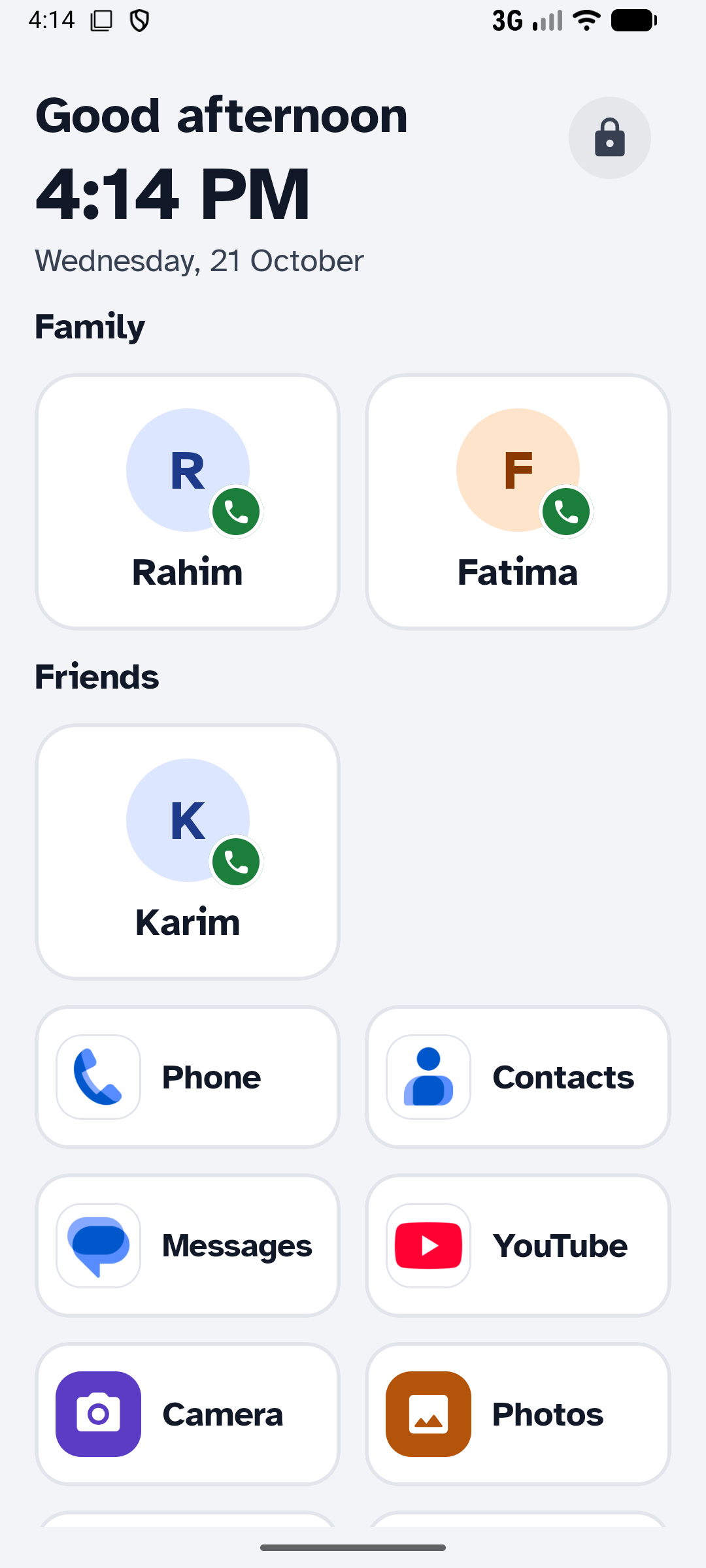
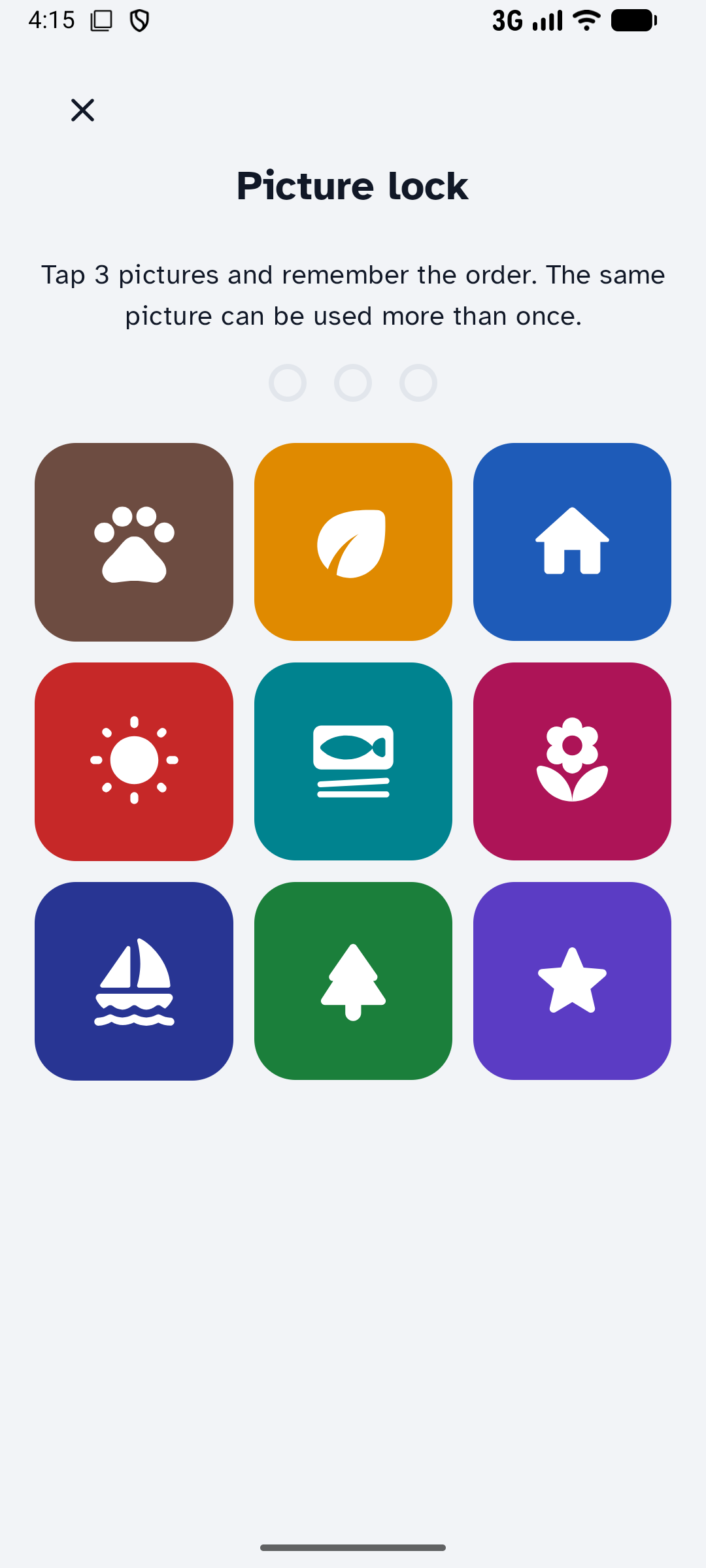
Ek Chhoan ("one touch") replaces a busy phone screen with one calm page an older person can use without reading or typing: big photos of family to call, big buttons for the apps they use, a clear clock, and an internet status bar that says in words, colour and icon whether the internet is working. A family member sets everything up behind a simple picture lock.
Developed by PNT Apps Website · About · Privacy policy · Terms of use
Screenshots
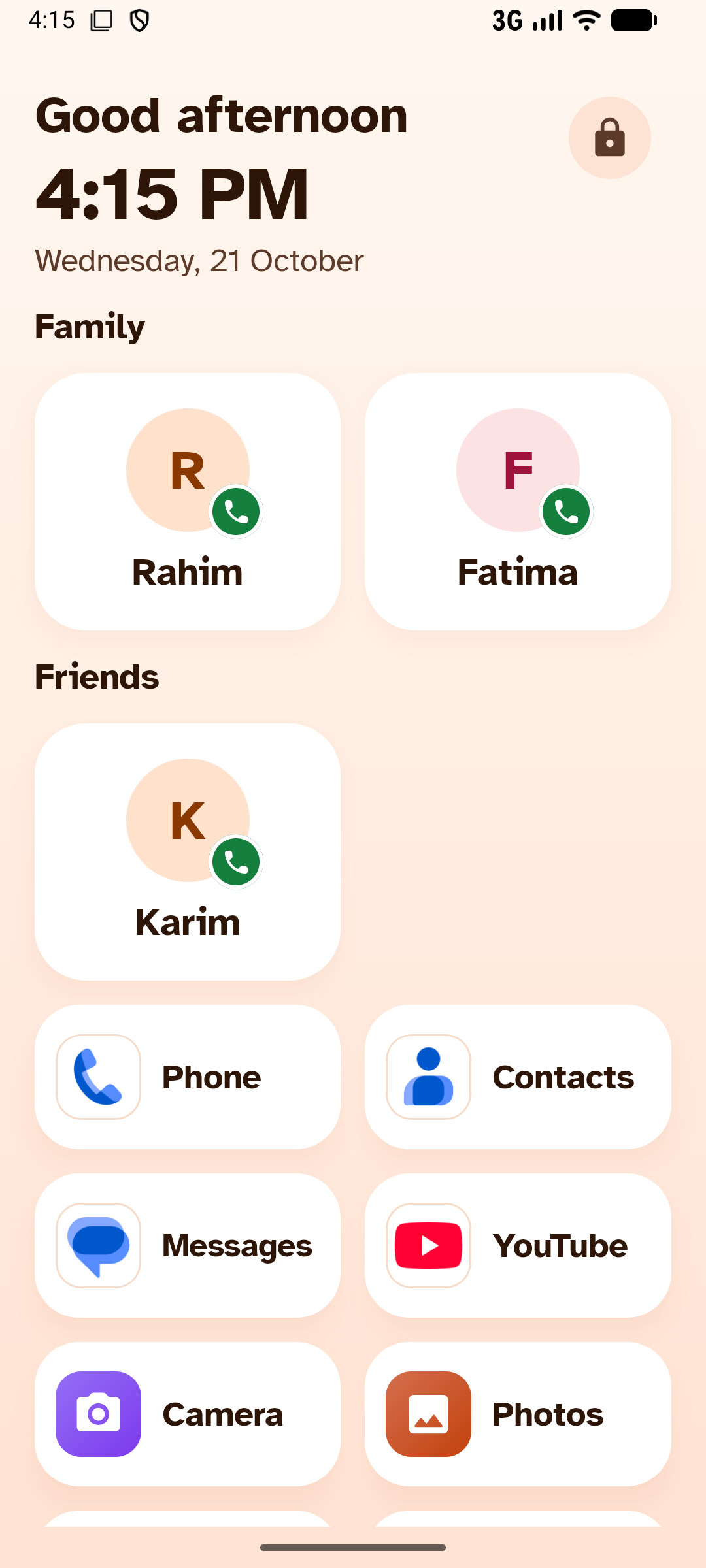
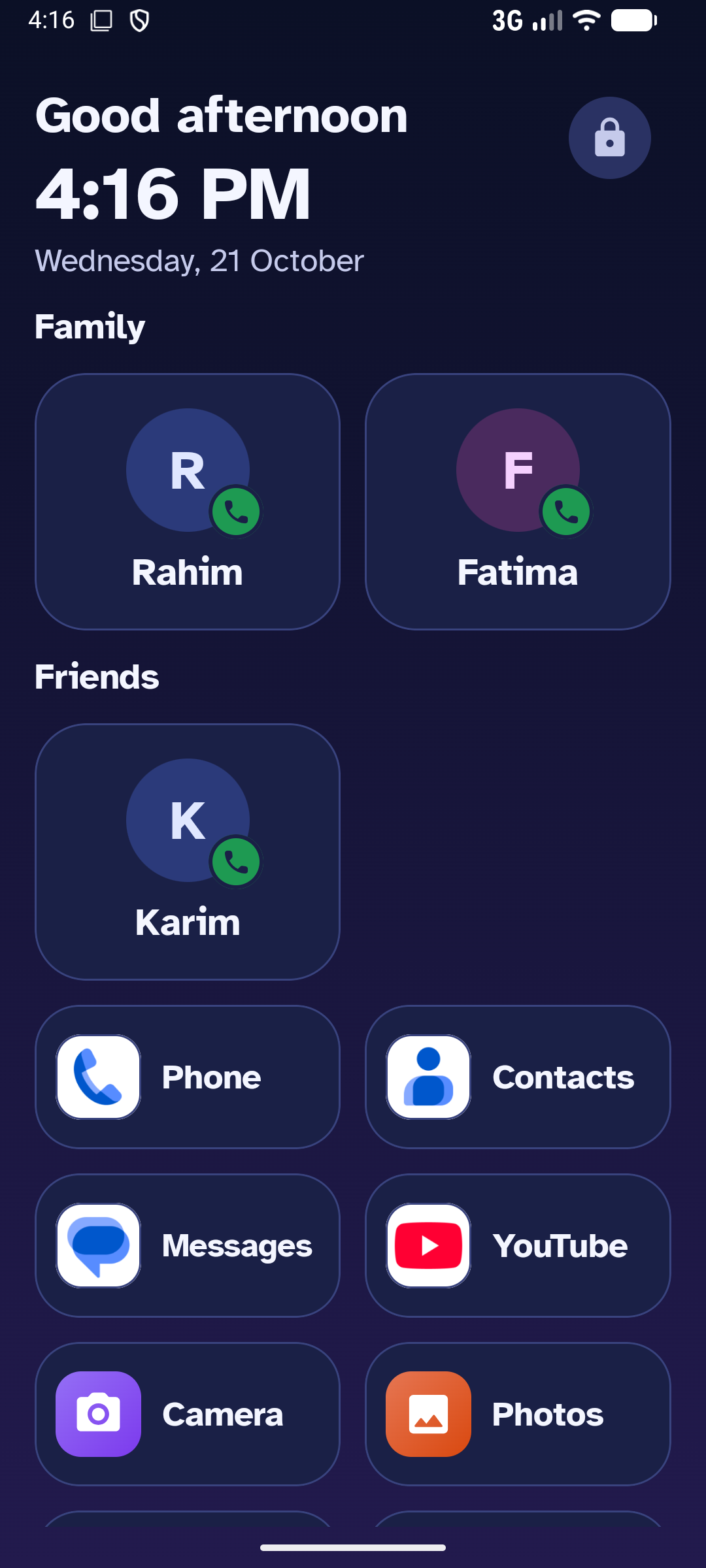
| Home (Classic) | Home (Sunrise) | Home (Midnight) |
|---|---|---|
 |
 |
 |
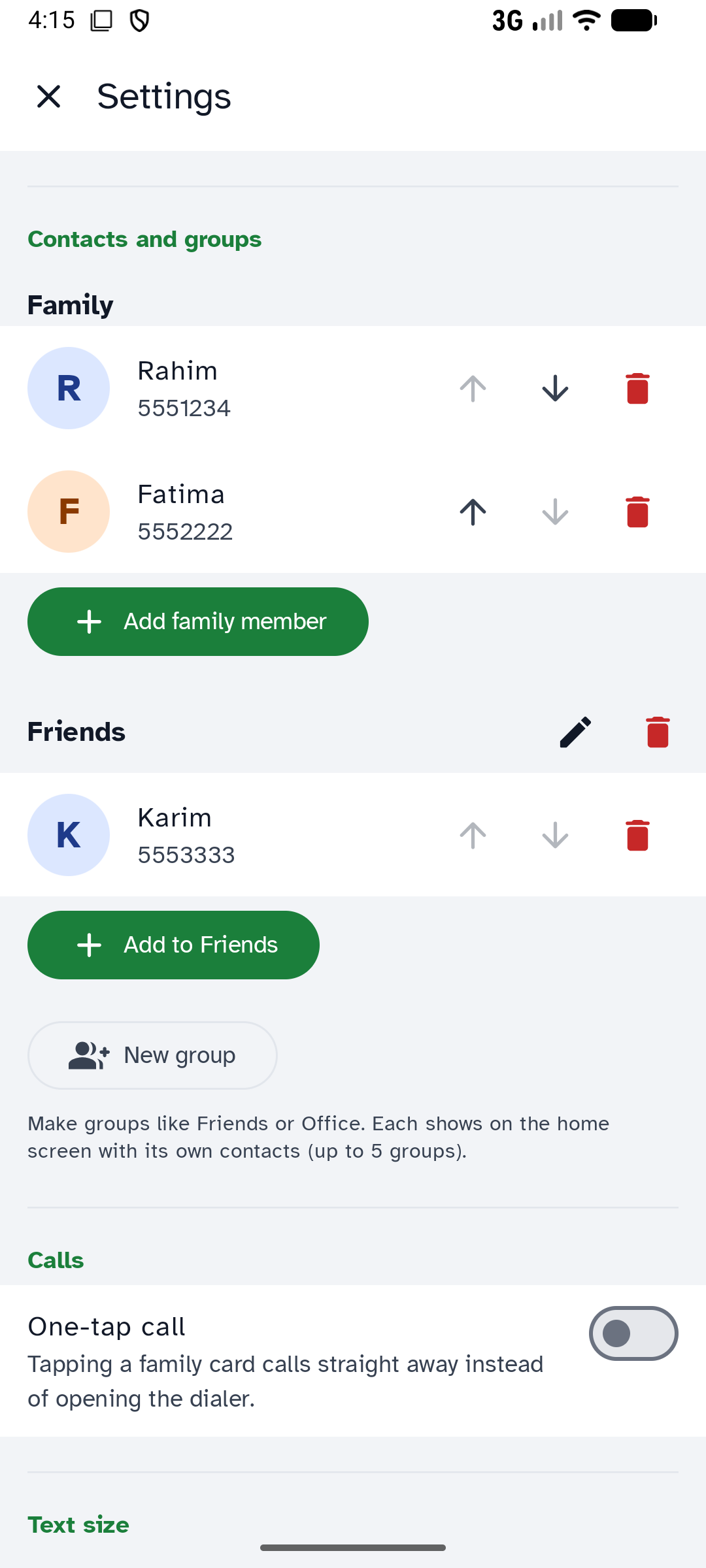
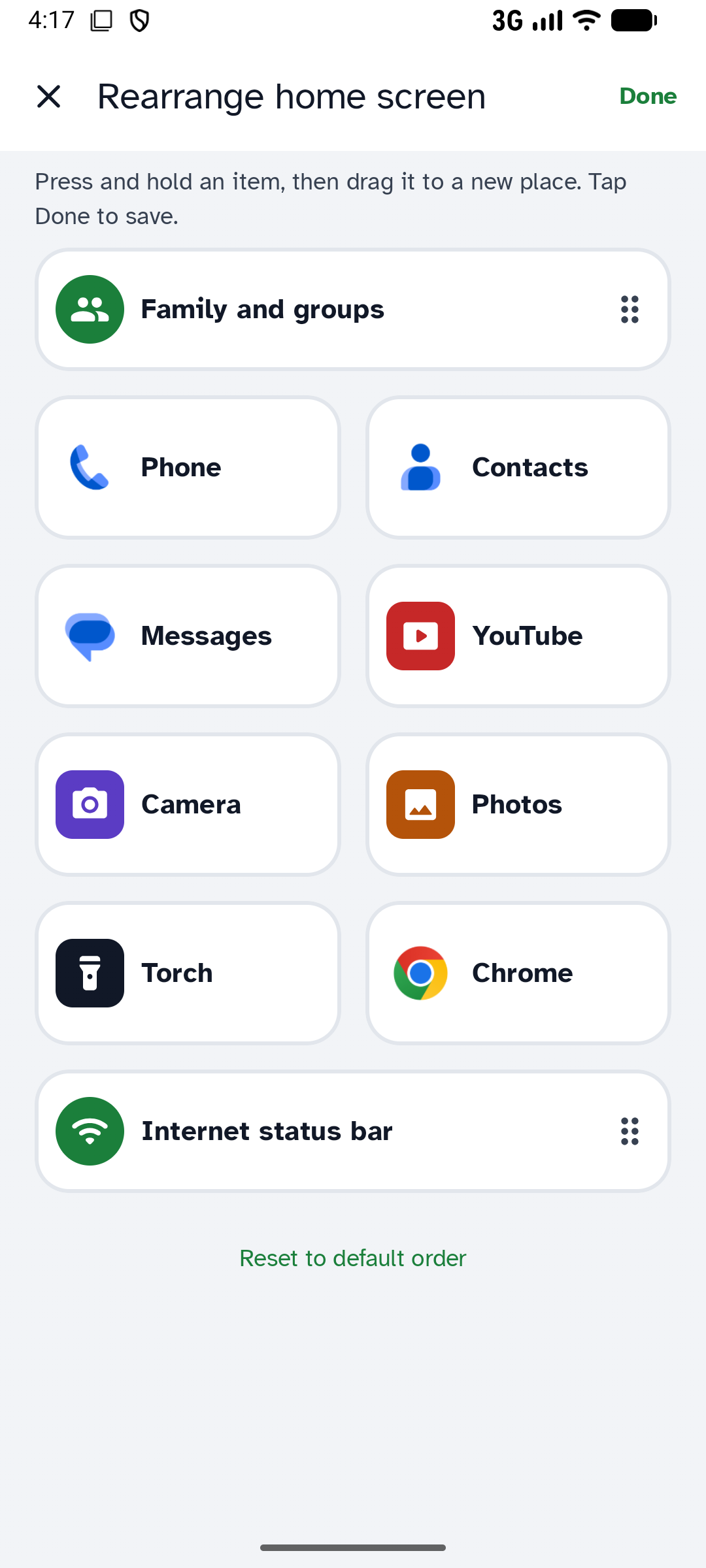
| Picture lock (family only) | Contacts and groups | Rearrange by drag and drop |
 |
 |
 |
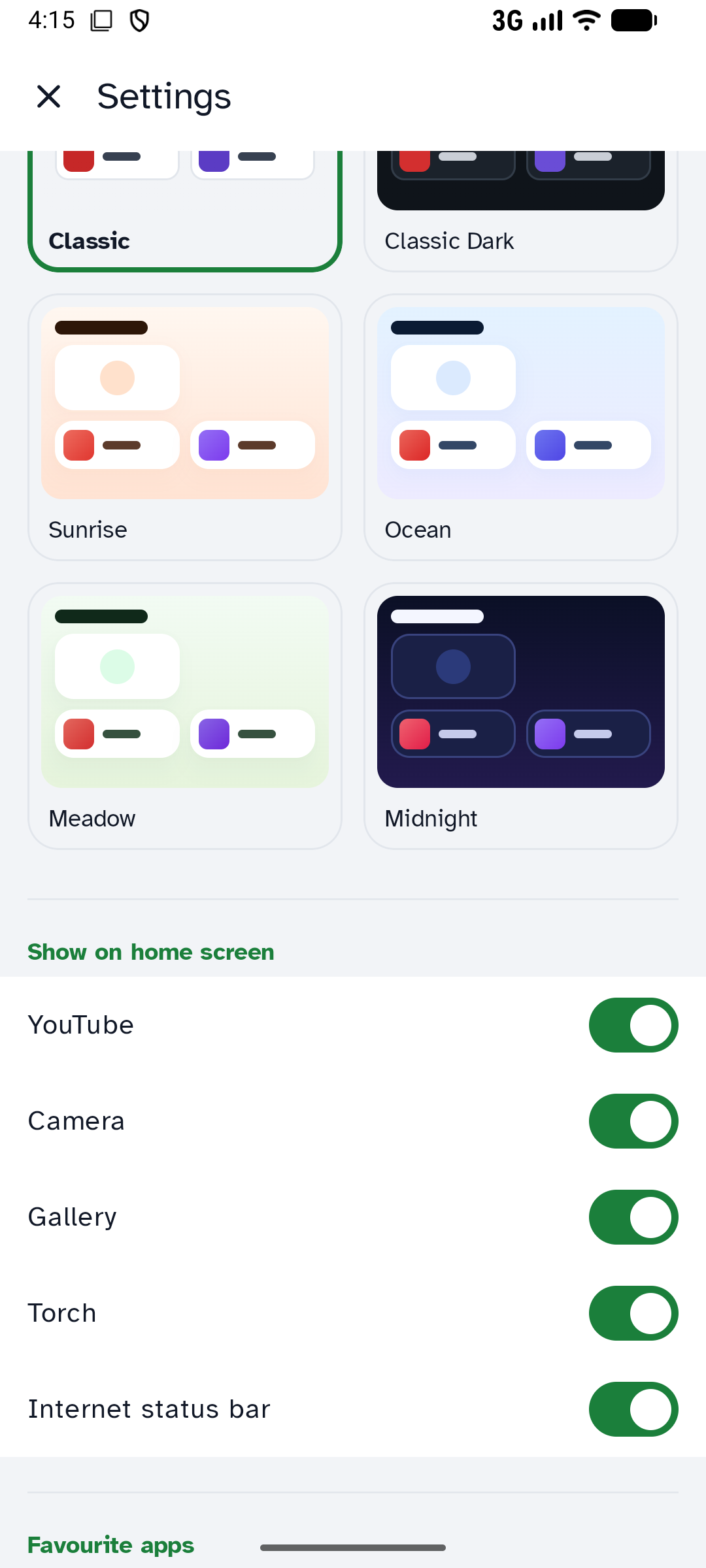
| Six themes | ||
 |
Features
- Big call cards for family, plus custom groups (Friends, Office…). One tap opens the dialer, or calls directly when "one-touch calling" is allowed.
- Calling and messaging apps first: the phone's own Phone, Contacts, Messages and WhatsApp, found by role so they work on every brand.
- Big tiles for YouTube, Camera, Photos, Torch and up to 8 favourite apps (searchable picker).
- Rearrange by drag and drop: Settings → Home screen order shows Home as it looks; long-press and drag.
- Large clock, greeting and date, updated every minute.
- Internet status bar: Wi-Fi / mobile data / Wi-Fi without internet / offline, by colour, icon and words; tap to open the system internet panel.
- Picture lock (3 pictures, repeats allowed) protects Settings.
- Six themes: Classic (default), Classic Dark, Sunrise, Ocean, Meadow, Midnight.
- Text size and icon size (Normal / Large / Extra large), icons with names or icons only.
- English (default), Bengali and Hindi, with optional read-aloud in the chosen language.
- Private by design: no internet permission, no accounts, ads or analytics. All data stays on the phone.
Requirements
- Android 8.0 (API 26) or newer. Targets API 36.
- To build: Android Studio (recent), JDK 17+, Android SDK with platform 37.
Build
./gradlew :app:assembleDebug        # debug APK  → app/build/outputs/apk/debug/
./gradlew :app:testDebugUnitTest    # unit tests
./gradlew :app:lintDebug            # lint
./gradlew :app:bundleRelease        # release AAB (R8); signing via keystore.properties, see play/release-checklist.md
Every build runs checkForbiddenPermissions<Variant>, which fails if the merged manifest asks for any permission other than ACCESS_NETWORK_STATE, ACCESS_WIFI_STATE, CALL_PHONE or VIBRATE. That's deliberate: keep it that way so the app stays Google Play compliant and private.
Project notes for contributors (and AI coding assistants) are in CLAUDE.md. Google Play material (privacy text, Data safety answers, store listing, release checklist) is in play/.
Credit to PNT Apps — required
If you use, fork, modify or redistribute Ek Chhoan, you must keep the credit to PNT Apps:
- in your README or main documentation: "Developed by PNT Apps — https://www.pntapps.com", and
- inside the app, where users can see it (for example an About or Settings screen): "Developed by PNT Apps" linking to https://www.pntapps.com.
You may add your own credits next to it. This is an additional term of the license (GPL-3.0, section 7(b)); see NOTICE.
A modified version must not be presented as the original Ek Chhoan, and the names "PNT Apps" and "Ek Chhoan" and their logos/icons may not be used as the name or icon of your app.
License
Copyright © 2026 PNT Apps.
Ek Chhoan is licensed under the GNU General Public License v3.0 (LICENSE) with the additional attribution terms in NOTICE.
In short: you may use, study, change and share this app, but if you distribute it or a modified version, you must release your source code under the same GPL-3.0 license (including the attribution terms) and keep the credit to PNT Apps.
Bundled fonts are under the SIL Open Font License 1.1 and libraries under Apache 2.0; see NOTICE.