
Thrennix
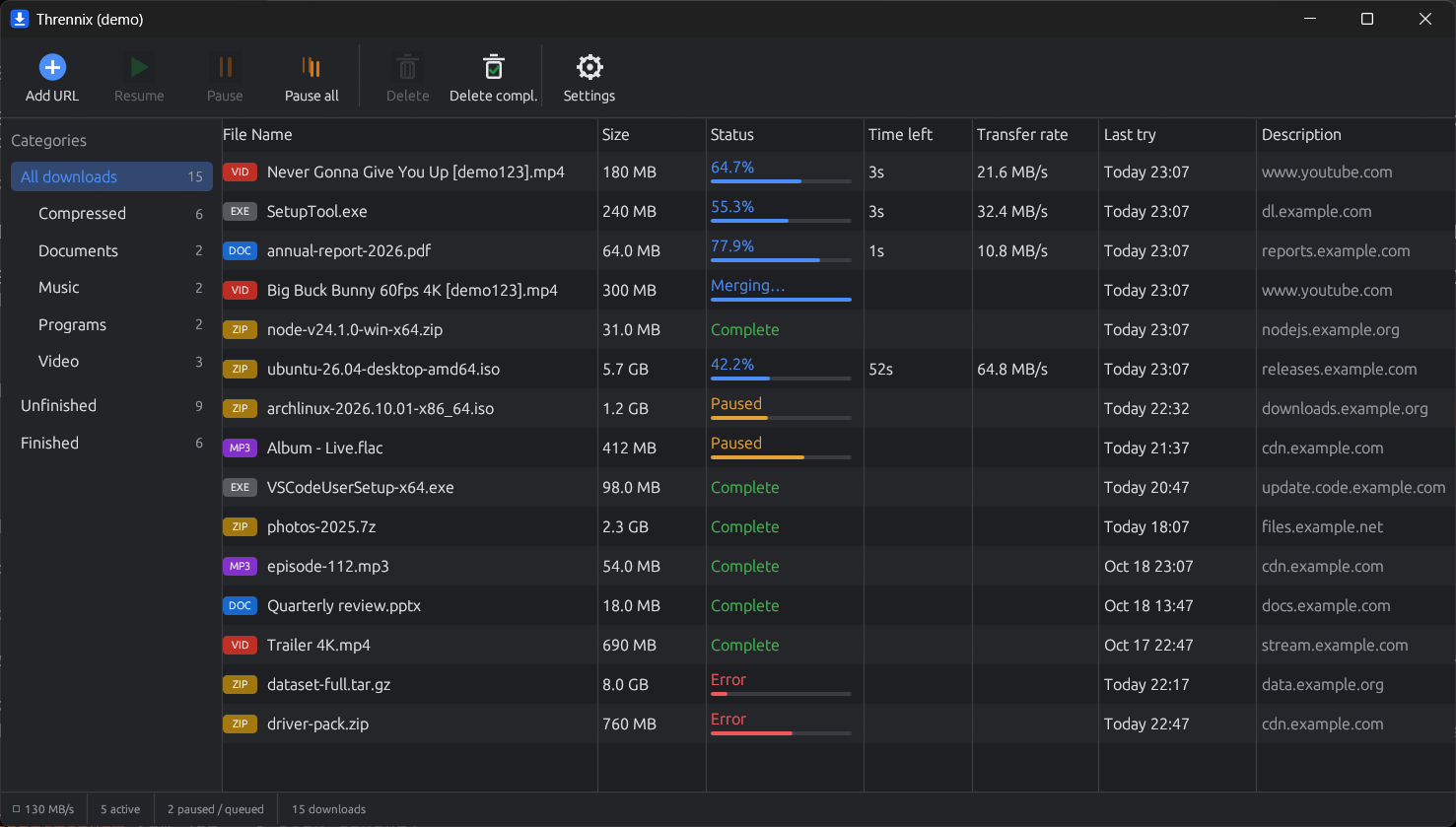
A very fast, very simple download manager for Windows, written in Rust.
Developed by PNT Apps
Install
- Download
Thrennix-Setup-<version>.exefrom GitHub Releases and run it. No administrator rights are needed. - In the setup wizard, keep ffmpeg (video) and yt-dlp (YouTube) ticked if you want those features.
- Load the browser extension: open
chrome://extensions(oredge://extensions), turn on Developer mode, click Load unpacked, and select theextensionfolder (Start menu → Thrennix browser extension folder).
The installer isn't code-signed yet, so Windows SmartScreen may say "Windows protected your PC". Click More info → Run anyway.
Prefer not to run an installer? The release also has a thrennix-<version>-windows-x64.zip with a script install (install.ps1) inside.
Features
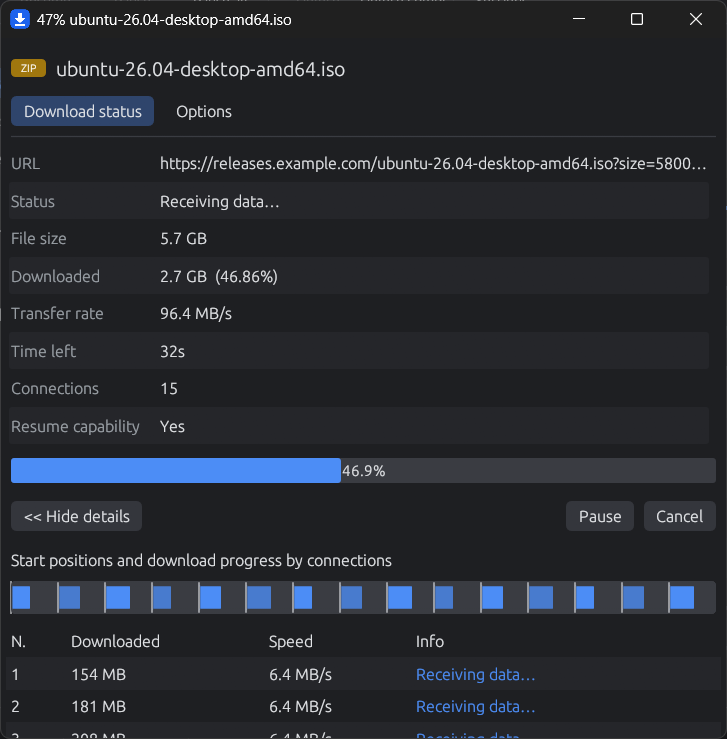
- Multi-connection downloads: starts with 8 connections and adds more (up to 32) while speed keeps rising
- Dynamic segmentation: when a connection frees up, it splits the piece that will finish last, so no connection sits idle and the end of the download doesn't drag
- Slow-connection replacement, fast TLS 1.3 reconnects, and no "assembling" step (each piece is written straight into place in the final file)
- Pause / resume, even after closing the app or rebooting, and "New URL…" for expired links
- Browser extension (Chrome, Edge, Firefox): catches downloads and detects videos (direct files, HLS and DASH)
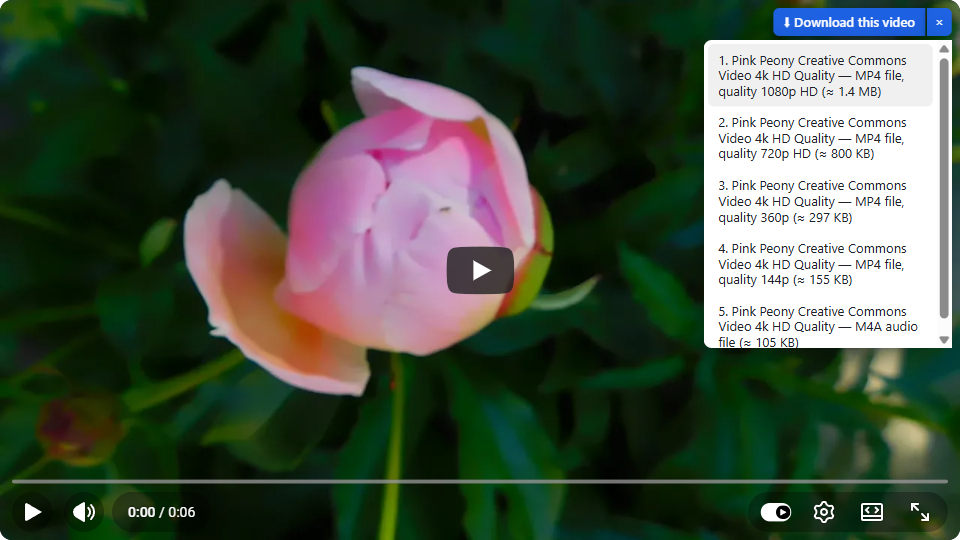
- YouTube (and other sites yt-dlp supports): a "Download this video" button with an IDM-style quality list, up to 4K (needs
yt-dlp) - Network drives: download straight to a shared folder on your router, NAS or another PC (SMB / Samba); shared folders on the network are found automatically
- Touch screens: finger-friendly taps, press-and-hold for the menu, a roomier layout and the on-screen keyboard on Windows tablets
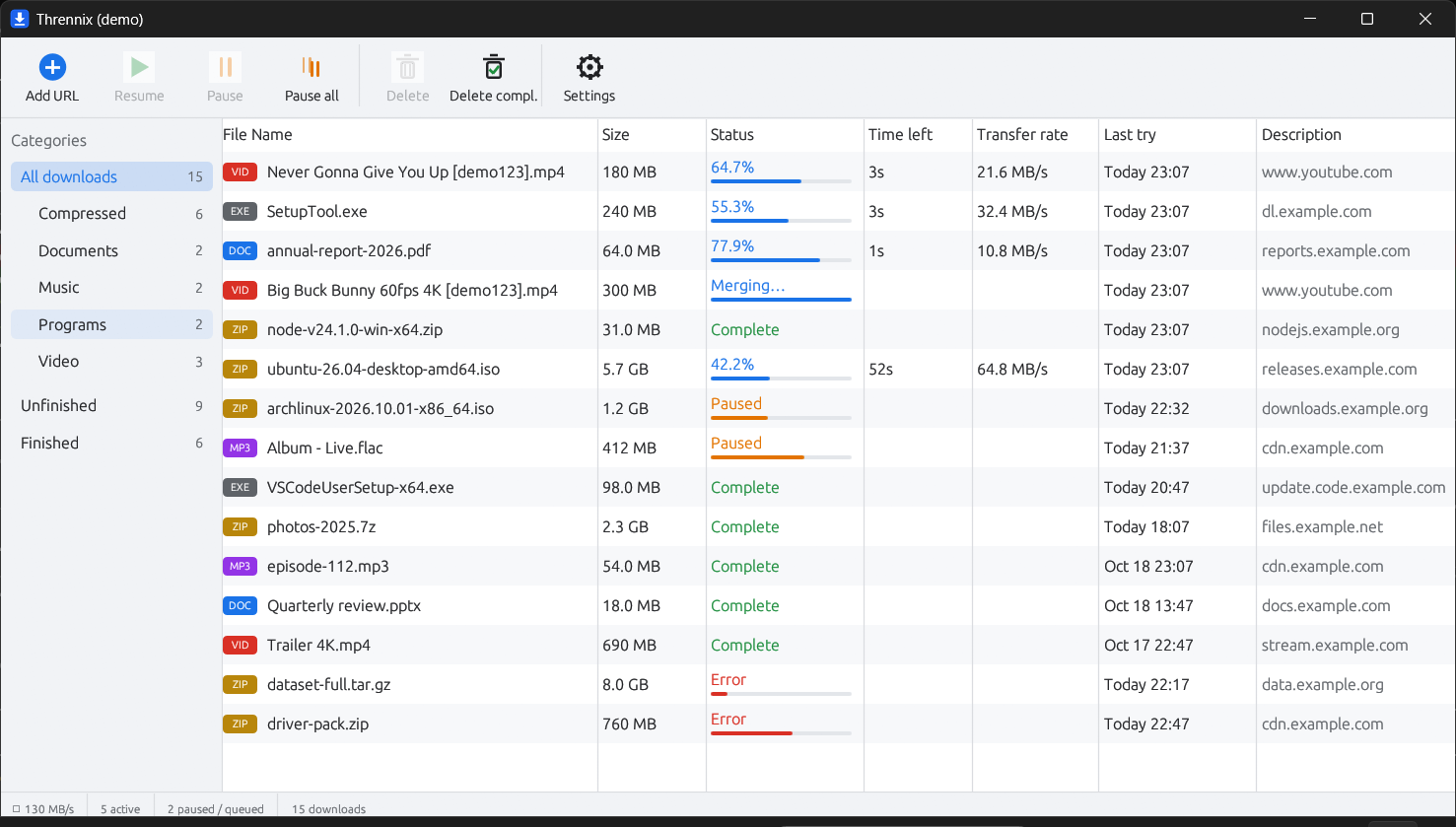
- Light and dark themes, a per-download window showing progress by connection, and one small
.exe
DRM-protected services aren't supported.
Screenshots
| Download window | YouTube quality list |
|---|---|
 |
 |
| Light theme | Setup wizard |
|---|---|
 |
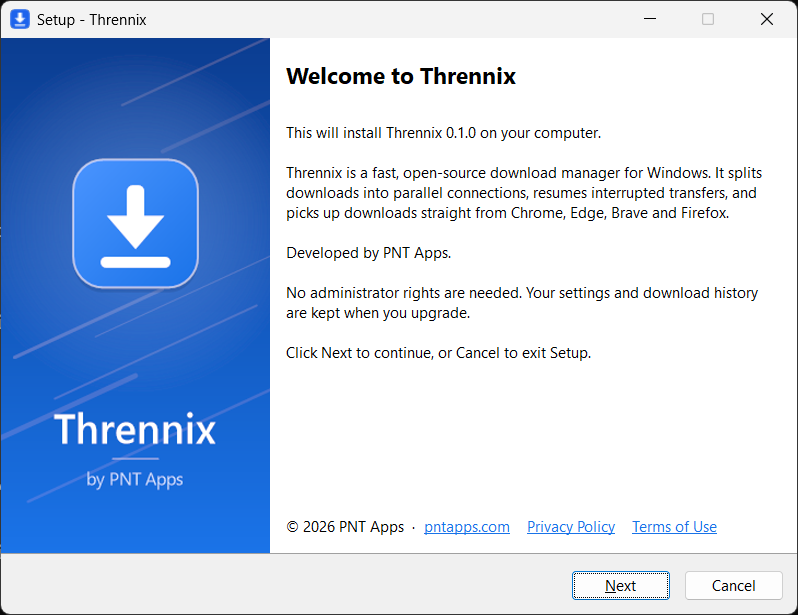 |
Project layout
| Path | What |
|---|---|
crates/thrennix-core |
Download engine |
crates/thrennix-media |
HLS / DASH downloading (muxed with ffmpeg) |
crates/thrennix-app |
Desktop app (thrennix.exe, egui) and native messaging host |
crates/thrennix-cli |
Command-line downloader (thrennix-cli.exe) |
crates/thrennix-testserver |
Local HTTP server for tests and benchmarks |
extension/ |
Browser extension (Manifest V3) |
bench/ |
Benchmarks against aria2 and IDM |
docs/PROTOCOL.md |
Browser ⇄ app protocol |
Build from source
Requirements: Rust (stable, MSVC toolchain) and the Visual Studio C++ Build Tools. ffmpeg is optional (needed for HLS/DASH video).
cargo build --release
.\target\release\thrennix.exe --register   # registers the browser integration
.\target\release\thrennix.exe
Then load the extension: see extension/README.md.
Command line
.\target\release\thrennix-cli.exe https://example.com/big.iso -o D:\Downloads
Press Ctrl+C to pause. Run the same command again to resume.
Benchmarks
See bench/README.md.
About
Thrennix is developed by PNT Apps.
- Website: www.pntapps.com
- About us: pntapps.com/about
- Privacy Policy: pntapps.com/privacy
- Terms of Service: pntapps.com/terms
Credit to PNT Apps — required
If you use, fork, modify or redistribute Thrennix, you must keep the credit to PNT Apps:
- in your README or main documentation: "Developed by PNT Apps — https://www.pntapps.com", and
- inside the app, where users can see it (for example an About or Settings screen): "Developed by PNT Apps" linking to https://www.pntapps.com.
You may add your own credits next to it. This is an additional term of the license (GPL-3.0, section 7(b)); see NOTICE.
A modified version must not be presented as the original Thrennix, and the names "PNT Apps" and "Thrennix" and their logos/icons may not be used as the name or icon of your app.
License
Copyright © 2026 PNT Apps.
Thrennix is licensed under the GNU General Public License v3.0 with the additional attribution terms in NOTICE.
In short: you may use, study, change and share this app, but if you distribute it or a modified version, you must release your source code under the same GPL-3.0 license (including the attribution terms) and keep the credit to PNT Apps.
Bundled fonts are under the Ubuntu Font Licence, MIT and SIL Open Font License 1.1, and libraries mostly under MIT and Apache 2.0; see NOTICE. Versions 0.1.4 and earlier were released under MIT or Apache-2.0.